FFieldVisit

Industry

Digital Signage Companies

Screen-by-screen uptime and installation proof across your network.

The problem

What this industry is up against

Why digital signage companies send a third party to look instead of accepting what comes back from the field.

What changes

With an independent field round

A screen-by-screen status sheet with serial numbers, playback photographs and fault notes, so engineers are dispatched only where a fault was actually seen.

What tends to go wrong

  • A screen reports healthy from the CMS while the panel in the store is switched off at the socket or stacked behind cartons.
  • Installation sign-offs arrive without serial numbers, so the asset register and the field never reconcile.
  • Faults reach you second-hand from store staff, days after playback stopped, with no photograph of the screen.
  • Sending an engineer to every site just to confirm a complaint costs more than the fault itself.

Drawn from the briefs we are asked to quote for most often in this industry.

What a visit actually checks

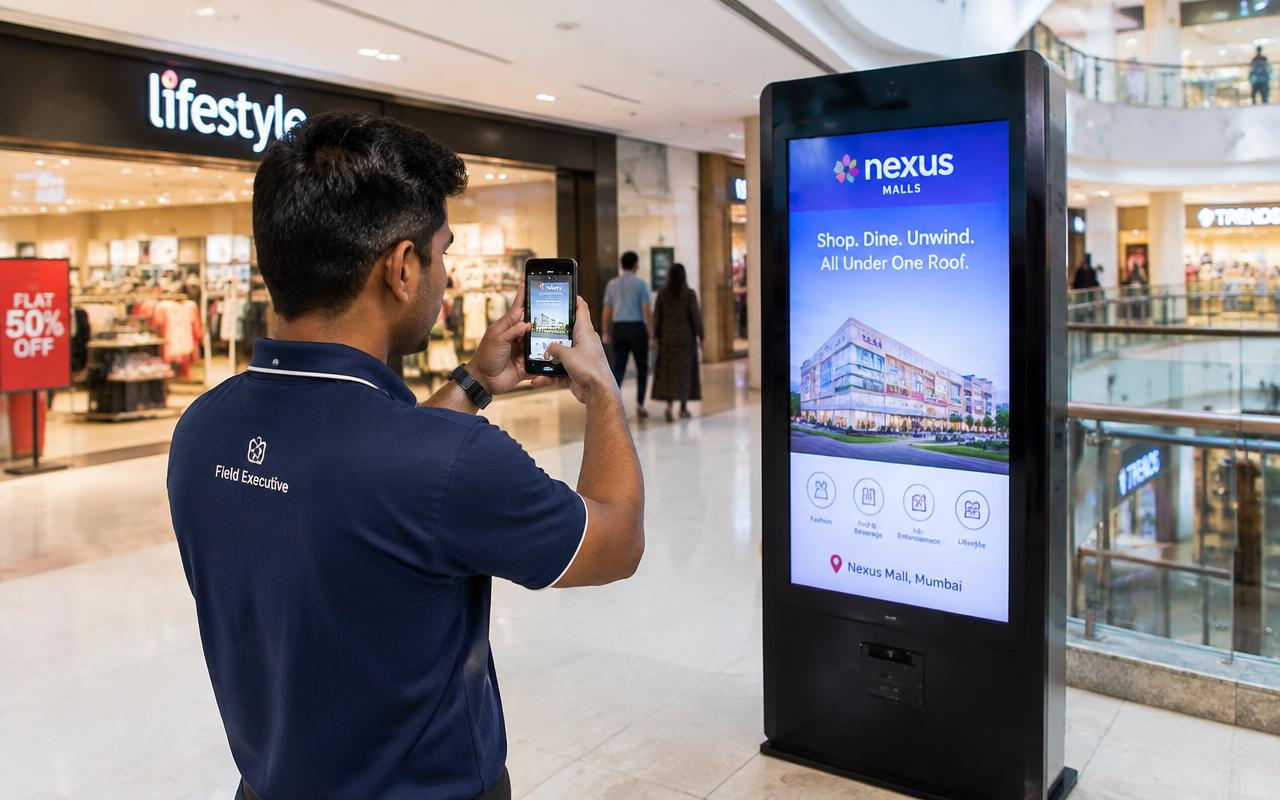
  • Standee is present at the listed outlet
  • Placement matches the agreed position
  • Screen powers on and plays content
  • Displayed content matches the campaign
  • Serial number and asset tag recorded
  • Screen is switched on during business hours
  • Content playlist is playing correctly

20 distinct checklist points sit across the 4 services mapped to this industry; your brief decides which apply.

Use cases

Typical assignments

The three shapes of work this industry asks for most. Each one runs on your checklist, not a standard template.

01

Display & Signage

Network uptime sweep

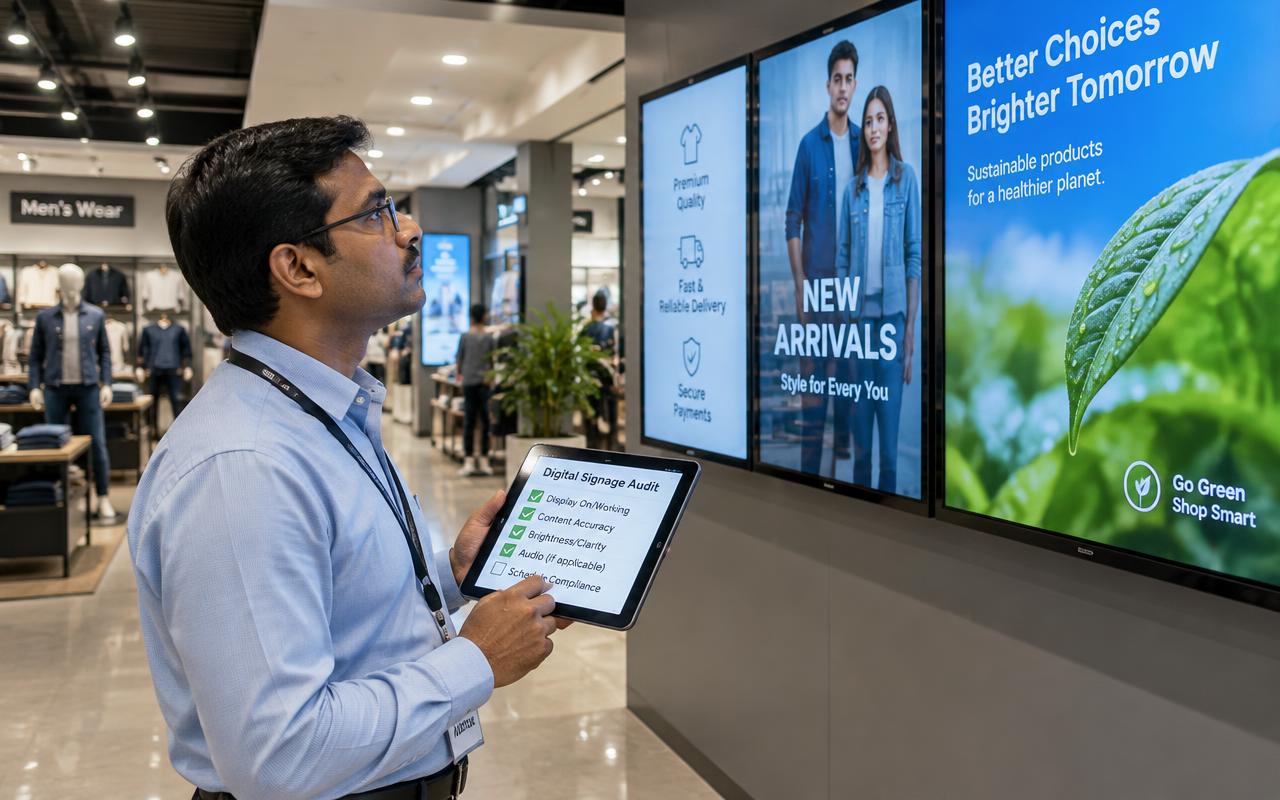
Screens are checked during business hours for power, playlist, visibility from the customer walkway and physical obstruction, with a short video of playback per site.

  • Screen is switched on during business hours
  • Content playlist is playing correctly
02

Display & Signage

Serial-matched installation sign-off

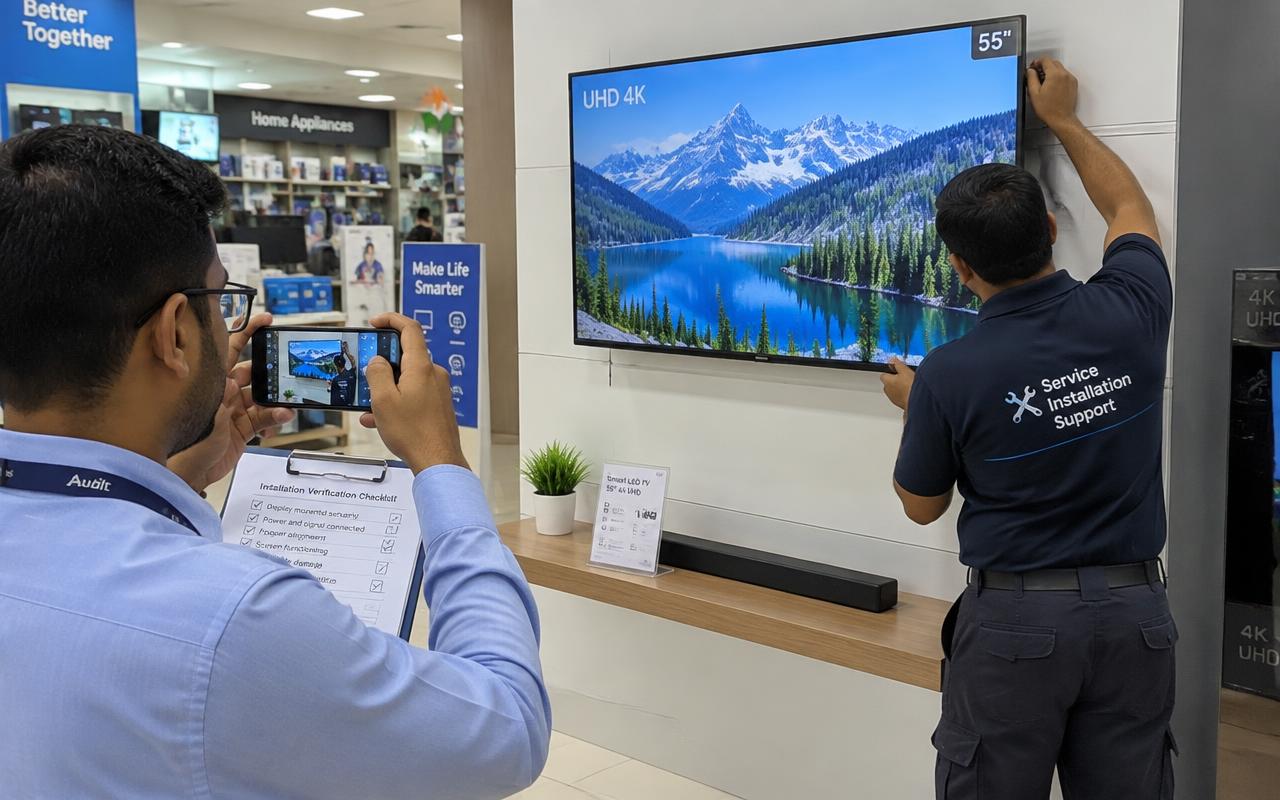
New installations are confirmed at the agreed position, photographed with the serial plate readable, and recorded against the outlet acknowledgement.

  • Item is installed at the right location
  • Installation matches the specification
03

Documents & Coordination

Exception revisit after a repair

Sites reported as fixed, and sites that were shut on the first pass, are revisited so the open list closes on evidence rather than on an assumption.

  • Reason for earlier failure reviewed
  • Visit at a better time slot

Reporting

What you can report afterwards

Fieldwork is only useful if it turns into something you can put in front of a client, a committee or an auditor.

Services mapped
4 field services
Checklist points
20 distinct checks
Divisions covered
Business field services
Coverage
76 areas across Mumbai, Thane, Navi Mumbai and Panvel

The evidence pack

  • Screen-wise status sheet with serial numbers
  • Photograph and a short video of playback
  • Downtime and fault notes per site
  • Geo-tagged, time-stamped photographs
  • Serial number register
  • Working / not working status per unit
  • Exception list with recommended action

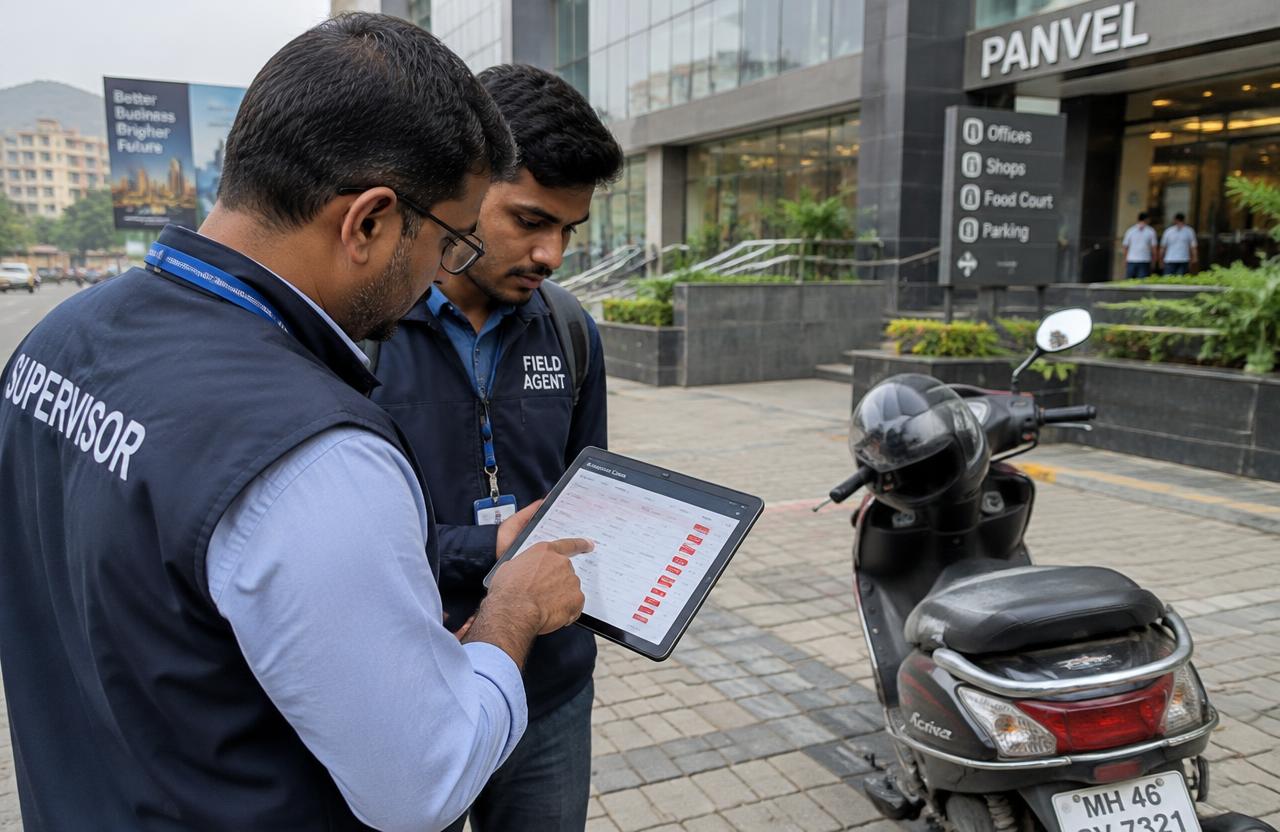
Every submission is reviewed by a supervisor, and random back-checks are run on completed work.

Numbers you can report

  • Screens on and playing on the audit date
  • Serial numbers matched to the asset register
  • Faults confirmed in the field against faults reported
  • Sites cleared on revisit

Taken straight from the approved checklist, so the next round is comparable with this one.

How we deliver

  1. STEP 01

    Receive the brief

    Location list, purpose, checklist, deadline and required evidence.

  2. STEP 02

    Confirm scope

    Access arrangements, client authorisation, contacts and reporting format.

  3. STEP 03

    Plan routes

    Group nearby locations and assign field people.

  4. STEP 04

    Brief the team

    Share the checklist and escalation contact.

  5. STEP 05

    Complete visits

    Collect observations, photographs and contact responses.

  6. STEP 06

    Review submissions

    Check completeness, consistency and missing evidence.

  7. STEP 07

    Deliver the report

    Completed visits, exceptions and the actions needed.

  8. STEP 08

    Manage revisits

    Get instructions for inaccessible or unresolved locations.

By location · 76 localities

Digital Signage Companies by area

Choose an area to see how we run Digital Signage Companies assignments there — the premises you'll meet, access patterns and the visit windows that work locally.

Mumbai City

20 areas

South and central Mumbai — dense commercial districts, wholesale markets and corporate headquarters where visits are planned around traffic and building access rules.

Western Suburbs

15 areas

Bandra to Dahisar along the Western line — malls, high streets, studios and industrial estates covered by area-wise field teams.

Eastern Suburbs

12 areas

Kurla to Mulund along the Central and Harbour lines — malls, wholesale markets, IT parks and industrial belts.

Thane

9 areas

Thane city and the Ghodbunder corridor — townships, malls, industrial estates and dense residential markets.

Navi Mumbai

13 areas

Vashi to Ulwe — planned nodes, APMC markets, MIDC industrial belts and IT parks along the Thane–Belapur road.

Panvel

7 areas

Panvel, Kamothe, Kalamboli and Taloja — traditional markets, the steel market, MIDC units and new residential nodes.

Working outside these areas? Tell us the addresses — we often cover the surrounding belt too.

FAQs

Digital Signage Companies: industry FAQs

What field services do you run for digital signage companies?

Screen-by-screen uptime and installation proof across your network. The mapped set for this industry is Digital Standee Verification, Digital Signage & Screen Audits, Installation Verification, Repeat & Exception Visits — all available in Mumbai, Thane, Navi Mumbai and Panvel.

How is the service set for this industry decided?

A screen-by-screen status sheet with serial numbers, playback photographs and fault notes, so engineers are dispatched only where a fault was actually seen. The 4 services mapped here carry 20 distinct checklist points between them; your brief decides which of those apply.

What do I need to share to get started?

Location list with addresses and contact names, Checklist or instructions, Required photographs and evidence, Reporting deadline and format.

What arrives in the report?

Screen-wise status sheet with serial numbers, Photograph and a short video of playback, Downtime and fault notes per site, Geo-tagged, time-stamped photographs, Serial number register, Working / not working status per unit. Every submission is reviewed by a supervisor before it reaches you.

What can I report internally once the work is done?

Screens on and playing on the audit date, Serial numbers matched to the asset register, Faults confirmed in the field against faults reported, Sites cleared on revisit. The figures come from the checklist you approved, so the next round can be tracked the same way.

How soon can work start?

Assignments typically start within one to three working days of a confirmed brief, once the address list, checklist, permissions and deadline have been reviewed.

How is this priced?

By number of locations, spread, checklist length, evidence required, revisits and deadline — per visit, per project, monthly, or as a dedicated field resource.

Tell us about your requirement

Name and phone are all we need to come back to you. Everything else helps us quote accurately.

Ready to brief your field visits?

Share the scope — we'll come back with routes, timelines and a clear quote.

Request a quote
iPowered by IRPR