Short answer
What does a document Submission Visits report contain?
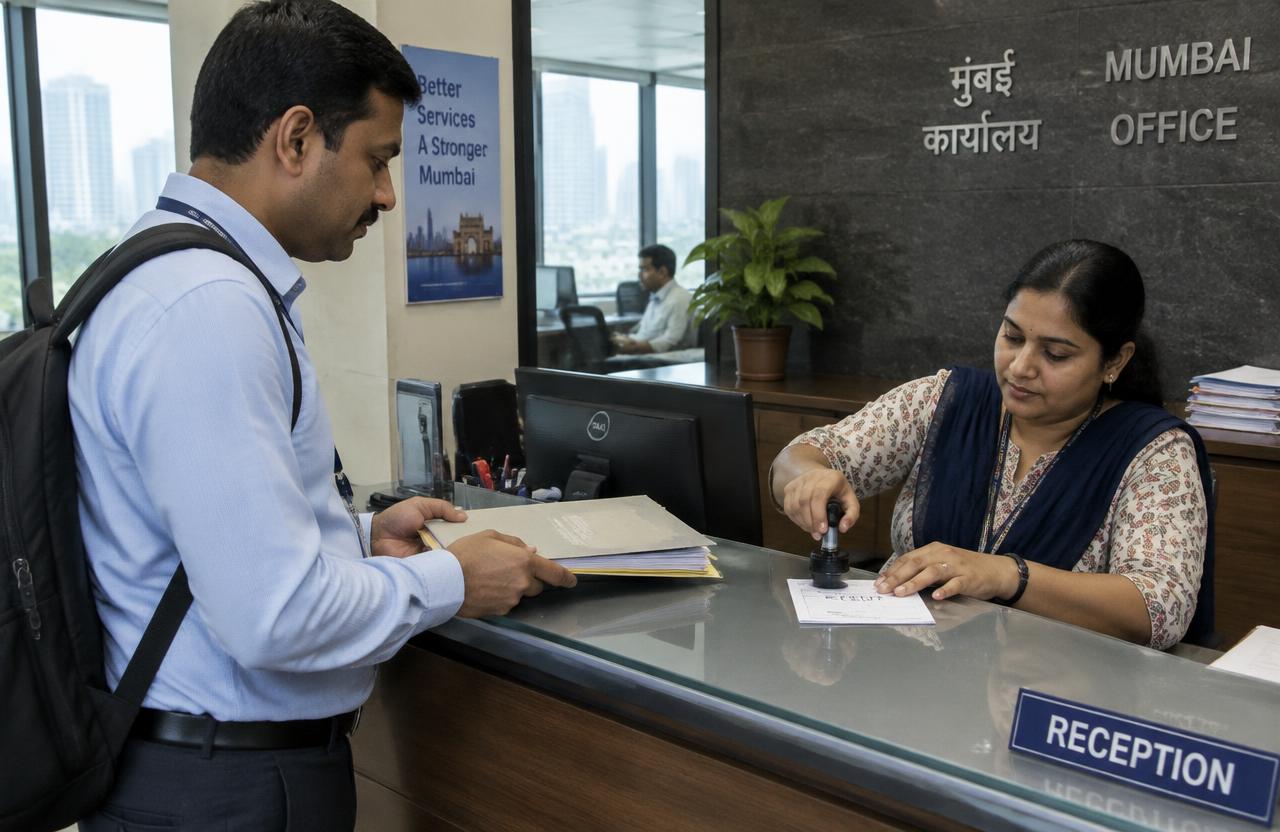
Document Submission Visits is a field service in which a trained team submitting documents at offices where permitted and obtaining a receipt or status. You share the locations and instructions; the team completes the visits, the evidence is reviewed, and you receive one consolidated report.
At a glance
- What this covers
- Report fields, photographs and outcome codes
- Division
- Business field services · Documents & Coordination
- Checklist points
- 5 standard checks
- Report outputs
- 4 deliverables
- Coverage
- Mumbai, Thane, Navi Mumbai, Panvel
- Read time
- 3 min
What you will learn
- Report fields — 7 points you can lift straight into your own brief
- Outcome codes — 4 points you can lift straight into your own brief
- What sits behind the checklist column — The checklist result column reports against the same 5 points the field team works through on site, so a reader can see which point failed rather than only that the visit failed
Report fields
- Outlet or business name and address
- Assigned person, visit date and time
- Checklist results
- Photographs and evidence
- Contact person and response
- Outcome code
- Remarks and recommended follow-up
Outcome codes
- Completed
- Inaccessible
- Missing asset
- Issue found
What sits behind the checklist column
The checklist result column reports against the same 5 points the field team works through on site, so a reader can see which point failed rather than only that the visit failed.
- Documents complete before visit
- Correct office and counter
- Submission done as instructed
- Receipt or stamp obtained
- Next step noted
What you receive
- Copy of receipt
- Visit status update
- Pending requirement list
- Follow-up date
How a report is checked before you see it
- Supervisor review of every submission
- Random back-checks on a sample of visits
- Geo-tagged, time-stamped photographs kept with the record
- Unclear or missing evidence sent back as a revisit instead of being reported as a result
Fields to agree before the first batch
- An answer format for each of the 5 checklist points
- Which photographs are mandatory and which are optional
- Outcome codes and what each one means for your follow-up
- File naming and the job / location ID format
- Delivery format and frequency for copy of receipt
Key takeaways
- A document Submission Visits report is usable when every row ties a job and location ID to a checklist result, the evidence and an outcome code.
- The checklist runs from documents complete before visit to next step noted, with evidence recorded against the points that decide the outcome.
- You receive 4 outputs: Copy of receipt, Visit status update, Pending requirement list, Follow-up date.
- Photographs are geo-tagged and time-stamped, every submission is reviewed by a supervisor and a random sample is back-checked — which is what makes a documents & coordination record worth quoting internally.
- Visits run across Mumbai City, the Western and Eastern Suburbs, Thane, Navi Mumbai and Panvel, and assignments typically start within one to three working days of a complete brief.
What to do next: approve the format before visit day
Report format questions are cheap before the first visit and expensive afterwards, because a missing field means going back to the location.
Fields
Approve the column list
Outlet name and address, assigned person, visit date and time, the result against all 5 checks, evidence, outcome code and remarks.
Codes
Agree what each outcome code means
Completed, inaccessible, missing asset and issue found should each map to one clear action in your documents & coordination follow-up.
Delivery
Decide how the report arrives
4 outputs are standard for document Submission Visits, starting with copy of receipt; confirm the file format, the naming convention and how often you want them.
Before you send it
Starting document submission visits
Assignments typically start within one to three working days of a complete brief, depending on volume and spread.
Share a brief and location listFrequently asked questions
What does a document Submission Visits report contain?
Document Submission Visits is a field service in which a trained team submitting documents at offices where permitted and obtaining a receipt or status. You share the locations and instructions; the team completes the visits, the evidence is reviewed, and you receive one consolidated report.
Which areas do you cover for document Submission Visits?
Mumbai City, the Western and Eastern Suburbs, Thane, Navi Mumbai and Panvel, with local field teams in each area.
How fast can document Submission Visits start?
Most assignments start within one to three working days of receiving a complete brief, depending on volume and spread.
What evidence will I receive?
Copy of receipt and Visit status update, matched to a unique job and location ID.